Multi-member engagements
Put a team on an audit and it becomes a project — each person's hours, the stage it is at and the deadline tracked on one task, not scattered across chat and email.
Audit workflow software
A statutory audit isn't one task — it's a multi-week engagement with several people, a list of things that must be done, client documents that must be kept, and a fee that must be collected. T4Suite runs it as a project, not a line on a to-do list.
A job with two or more people on it becomes a project automatically, so the audit team, its checklist, its documents and its cost live together — and the margin on the engagement is visible to the partner the whole way through.
Part of T4Suite's CA practice management software and its office management software.
Put a team on an audit and it becomes a project — each person's hours, the stage it is at and the deadline tracked on one task, not scattered across chat and email.
The team writes the steps the audit needs on the task and ticks them off, so anyone opening the file sees what is done and what is left.
Client documents are kept in folders on the client, on your firm's own server, with viewing and downloading gated to the office network.
Hours costed from CTC plus overhead, set against the audit fee, so the partner sees the margin on each engagement — and the team never sees the fee.
Take a tax audit under section 44AB for a trading firm with a turnover of ₹14 crore, at a fee of ₹40,000. The report is due on 30 September. The manager plans 40 hours: 6 of the manager's own, 14 and 12 for two associates, and 8 for an article assistant. Because four people are on the task, T4Suite treats it as a project.
| Date | Stage | What happens |
|---|---|---|
| 1 August | Open | The task is made with its four people, its 40 planned hours and the partner as approver |
| 2 August | Advance | A proforma asks for ₹14,160: ₹12,000 and 18% GST. It has no invoice number |
| 6 August | In progress | The advance comes in on a receipt voucher, and work starts |
| 21 August | Query | The fixed asset register is missing; the question is written on the task |
| 27 August | In progress | The register arrives, and work resumes |
| 18 September | Completed | The checklist is ticked off and the report is filed |
| 19 September | Billed | The partner raises the bill: ₹47,200, less the ₹14,160 advance, leaves ₹33,040 |
| 2 October | Paid | The money comes in and the task is closed |
Every move is on the task's timeline with who made it and when. The partner can see at any point which stage the audit is at, how many of the 40 hours are gone, and what is still owed.
The Query stage does not stop the clock. The task keeps its due date of 30 September, it is still reminded a week and a day before, and it shows as late if the date passes. So a client who sends the register on the 25th is a visible risk, not a surprise.
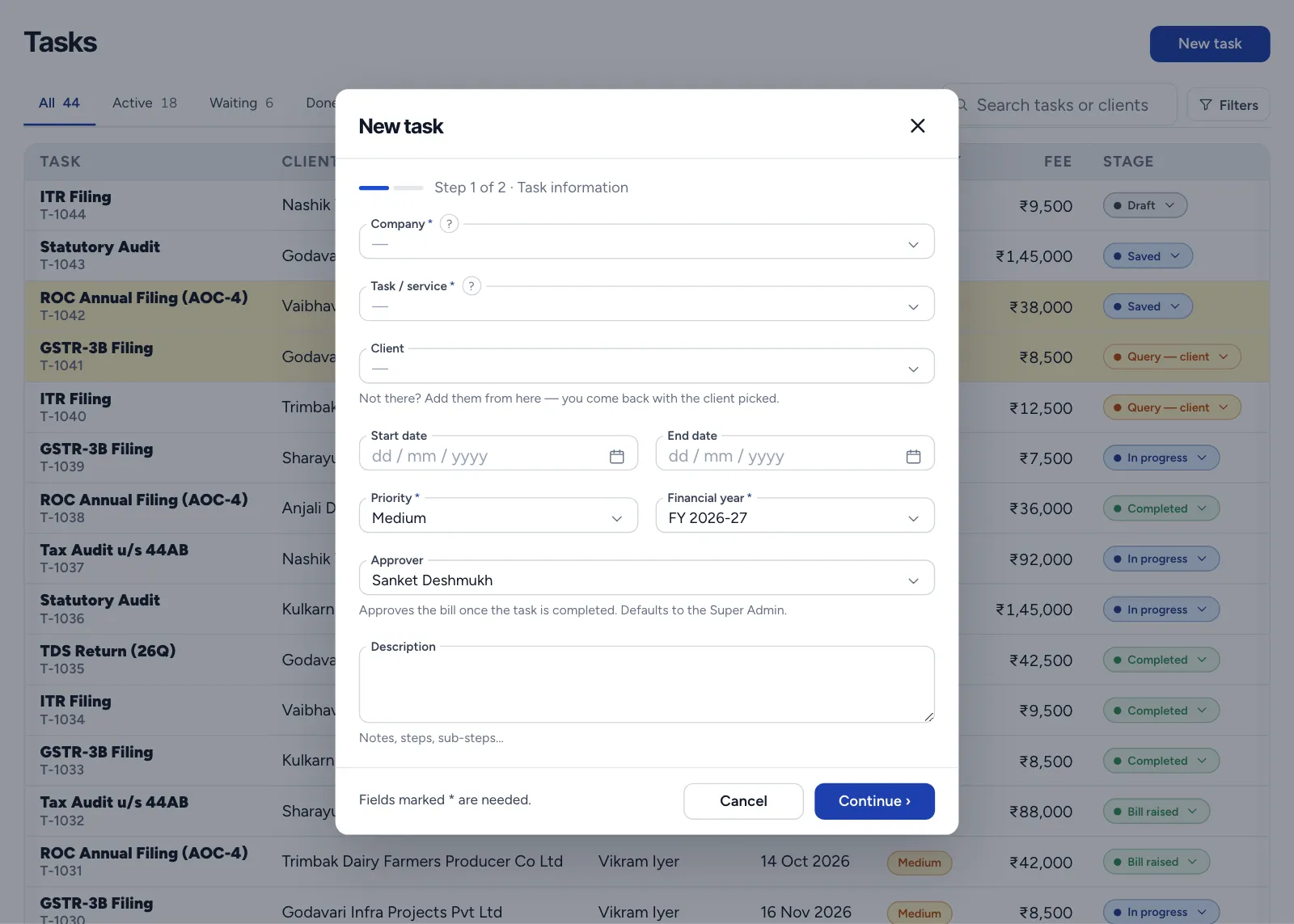
Each task carries a checklist. The manager writes the steps this audit needs, such as the bank reconciliations, the stock confirmation or the Form 3CD clauses to be checked, and the team ticks them off as they go. Anyone who can work on the task can add a step or tick one.
Documents are kept on the client, in folders, so last year's audit file and this year's sit together. The files sit on the firm's own server, not a third-party cloud, and opening or downloading them is gated to the office network. Downloading is also a right of its own in each role.
Everyone on the engagement sees the task, its stage, its deadline, its checklist and its documents. Only someone with the costing right sees the fee, each person's rate, the overhead and the margin. That is hidden field by field, on the screen and in what the server sends, so an article assistant on the audit cannot see what the client pays.
The partner named as approver is the one whose word issues the invoice. When someone else raises the bill, it waits for that approval and gets its number only then.
T4Suite runs the engagement; it is not audit software in the sense of working papers. It has no audit programme templates, no indexed working papers, no sampling and no separate review or sign-off step before the report. The checklist is the one the team writes. It does not generate UDINs; that is done on ICAI's portal, and the UDIN can be written on the task.
We would rather a firm knew that before it starts than after.
Yes. Any task with two or more people on it becomes a project, so an audit carries its team, each person's hours, its checklist and its documents together, tracked to the deadline.
In folders on the client, on the firm's own in-house server, with view and download gated to the office network — not on a third-party cloud.
Not as a separate step before the report. The partner named as approver is the one whose approval issues the invoice. Review is tracked on the checklist the team writes.
Yes. The task can move to Advance before work starts. A proforma goes to the client, and the money is recorded on a receipt voucher and taken off the final invoice.
Yes. Costing takes each person's hours at a rate from their CTC, adds the firm's overhead and sets it against the fee, so the margin is visible to partners while fees stay hidden from staff.
A short walkthrough, mapped to your firm's entities and services.