Office management software for CA firms
Office management software for a CA firm: the team, the rules and the records
Running a CA office is more than running its returns. Someone decides who joins and what they may see. Someone knows who is overloaded this month. Someone keeps client papers where they belong, tells the whole office about a change, and makes sure the phone in an associate's pocket shows today's work and not a client's PAN card.
T4Suite does the office side in the same app as the client work. This page covers the team, roles and permissions, entities, attendance, notices, client documents and phones, with a sample firm of eight to show who sees what.
The team, and how loaded each person is
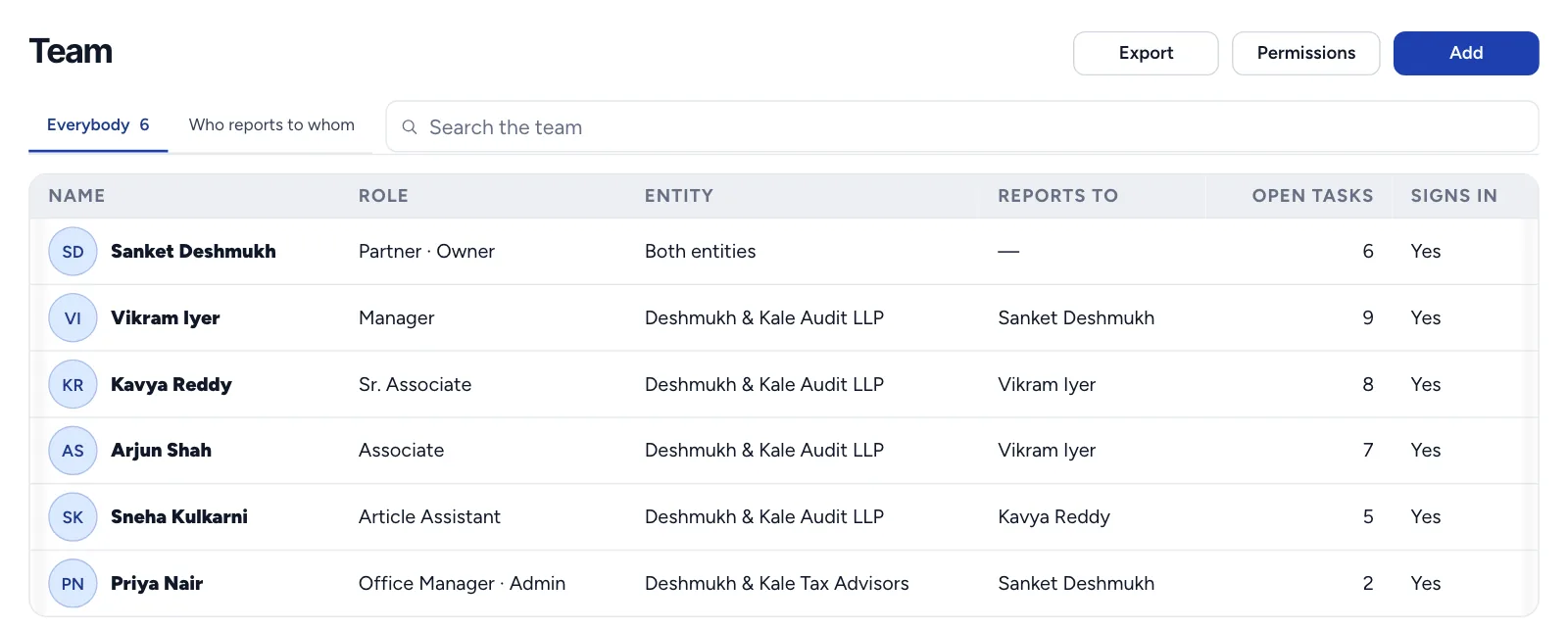
The team directory lists everyone in the firm with their role and entity. For a partner or manager it also shows workload, measured in man-hours rather than a count of tasks, because one tax audit is not the same as one TDS return.
Each person's workload is the hours planned on the tasks actually assigned to them and still in progress, set against the hours they have free until their farthest deadline. A reading of 40 / 140 hr means 40 hours committed out of 140 available. Hours pencilled in on a draft that nobody has been given yet do not count, so the figure shows real commitments.
Each person also has a work record for the month: tasks finished on time and hours logged against hours planned. That is the number behind a fair review, rather than whoever was most visible.
Pay is kept separate. A person's CTC is seen and set only by a partner, even though managers who plan work see the hourly rate that comes from it. A person's yearly working hours, which sets their capacity, can differ from the firm's default for part-time staff.
Roles: who may see and do what
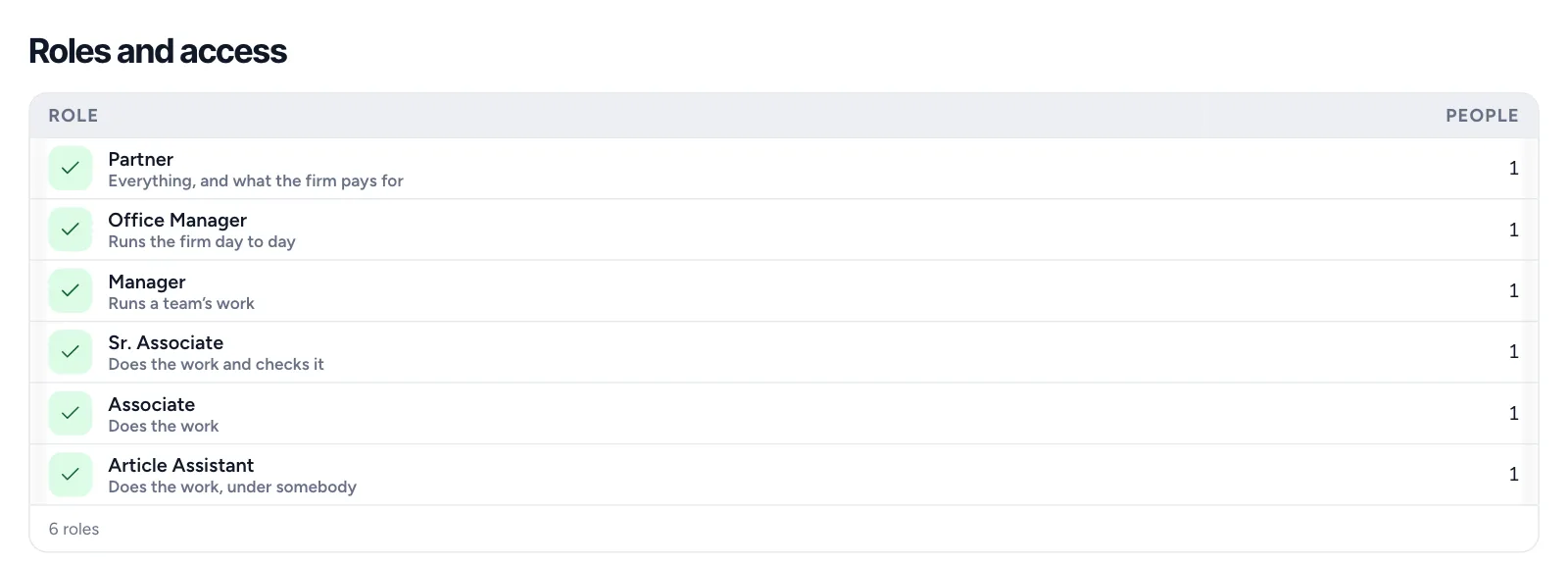
Each role is a set of permissions, set by the firm in Your Firm → Roles and access. T4Suite's permissions are split where a careful firm would split them:
- Clients and their entities
- Viewing a client is separate from adding or editing one.
- Compliance work
- Viewing tasks is separate from creating and assigning them.
- Deleting work
- Removing a task is its own permission, apart from recording work.
- Bills and invoices
- Seeing bills is separate from raising and issuing them.
- Fees and costing
- Without it, fees, costs and margins are hidden from the screen, field by field.
- Exporting and downloading
- Reading something on screen and carrying it out of the office are different rights.
| Person | Sees | Does not see |
|---|---|---|
| Five associates | Their own tasks, deadlines and time; notices; the documents of their clients, in the office | Fees, margins, anyone's CTC |
| Office manager | The whole team and every task; notices to post; the client and service lists | CTC; cannot change a partner |
| Two partners | Everything, across both entities, including CTC and margins | — |
One guard sits above all of them: someone who is not a partner can neither edit a partner nor promote anyone to partner. An office manager can run the team without being able to give themselves the keys.
One office, more than one entity
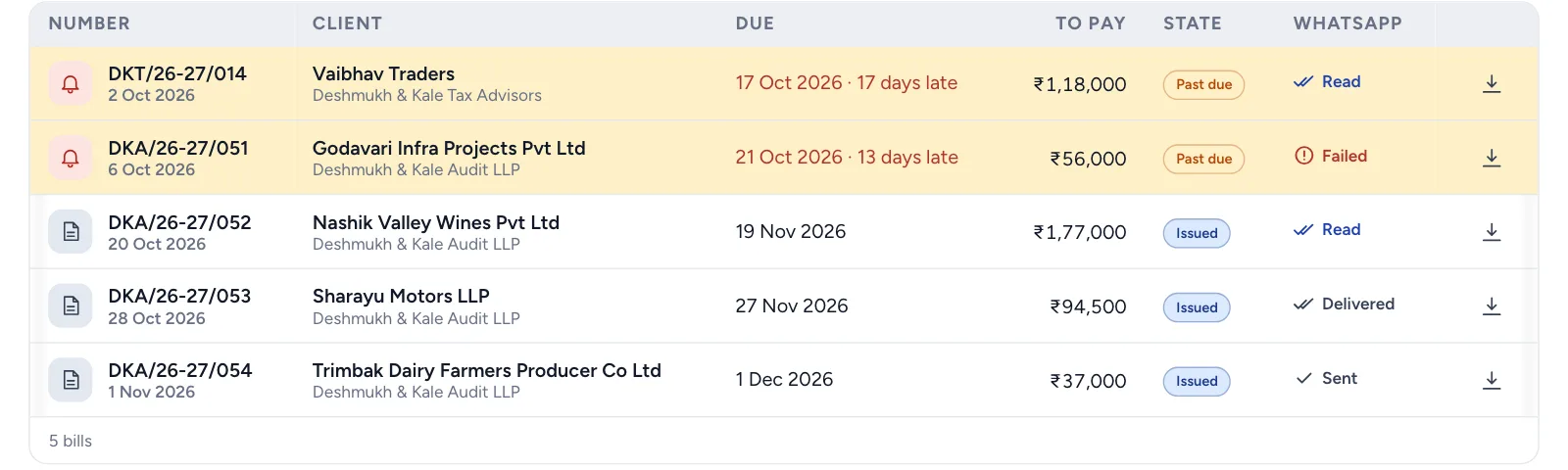
The sample firm runs an audit LLP and a tax advisory firm from one office. Clients, tasks and bills belong to one entity or the other. People are a choice the firm makes: by default staff can work across both, which suits a small office where everyone helps everyone; switch on strict separation and each person works only in the entity they belong to. Partners see both either way.
Attendance, leave and payroll, with Svasamm People
Attendance, shifts, leave, biometric devices and payroll are in Svasamm People, which runs beside T4Suite on the same sign-in. A firm that wants them adds People; a firm that does not is not made to pay for them. The team list is the same in both, so nobody is entered twice.
We keep them apart on purpose. Attendance is a record of a person's day, governed by labour law and the firm's leave policy. Practice work is a record of a client's job. Costing hours are entered on the task, not taken from the attendance clock, because a day in the office is not the same as a day of billable work.
Read more: Svasamm People on svasamm.com
A notices board instead of a group chat
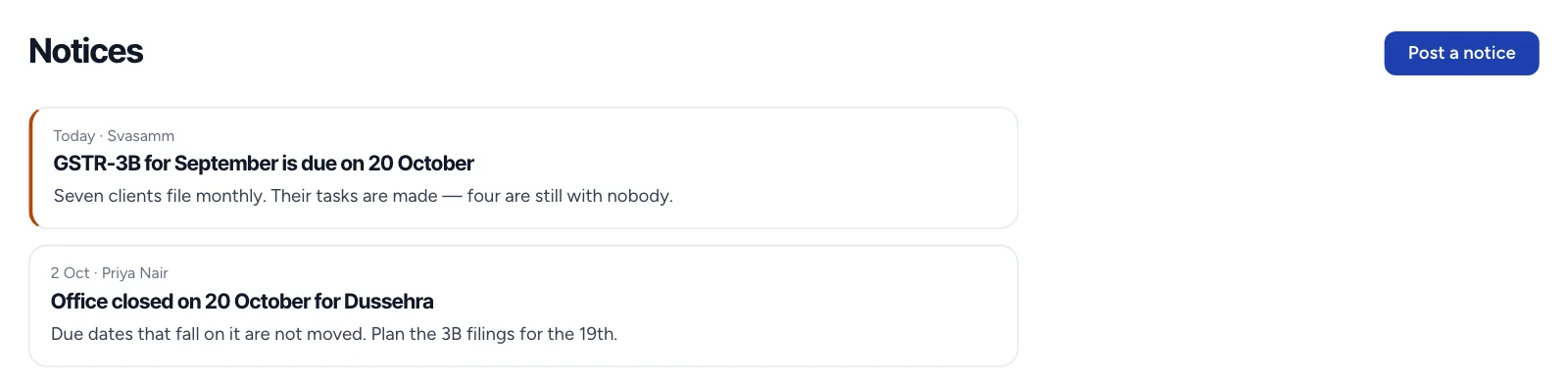
Office news gets lost in a chat group between client messages. T4Suite has a firm-wide notices board: partners and the office manager post, everyone reads, and a pinned notice stays at the top until it is unpinned. A change to the office hours, a new GST due date or a holiday is said once and stays findable. Work talk stays on the task it is about, in that task's discussion with @mentions, so it is still there when the work is reviewed.
Client documents that stay in the office
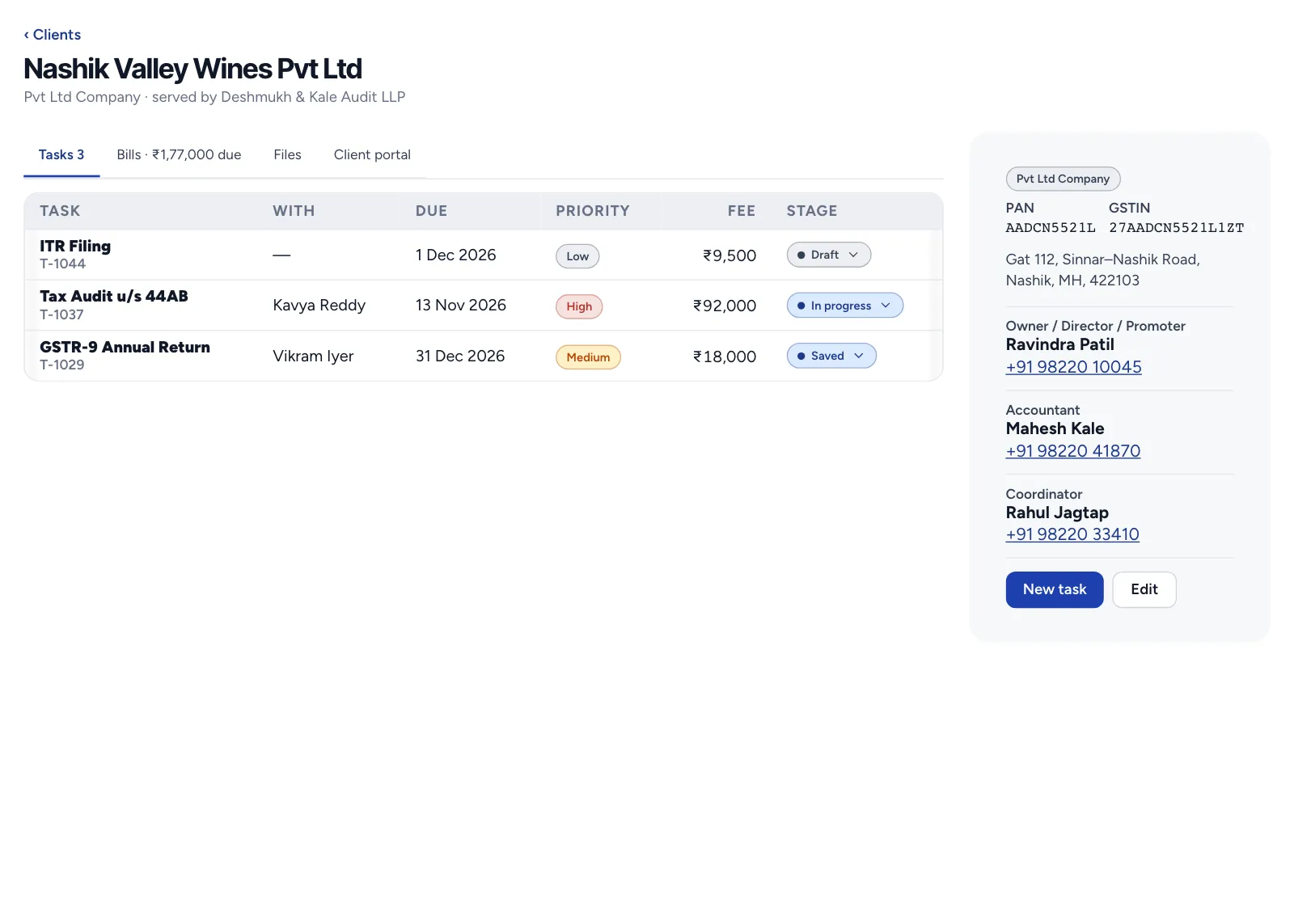
Each client has its own folders, and files can be attached to a task, so the papers for one return are on that return. The files sit on the firm's own in-house server, not ours: T4Suite keeps the names and folders, and the file itself goes straight between the firm's storage and the person's screen.
Viewing and downloading can be limited to the office network, by the office's internet address. The check is made on the server, so a file asked for from outside the office is refused even if someone copies the link. An associate can see a client's papers at their desk and cannot carry them home on a phone. Each person also sees only the documents of clients they can see.
Phones and devices
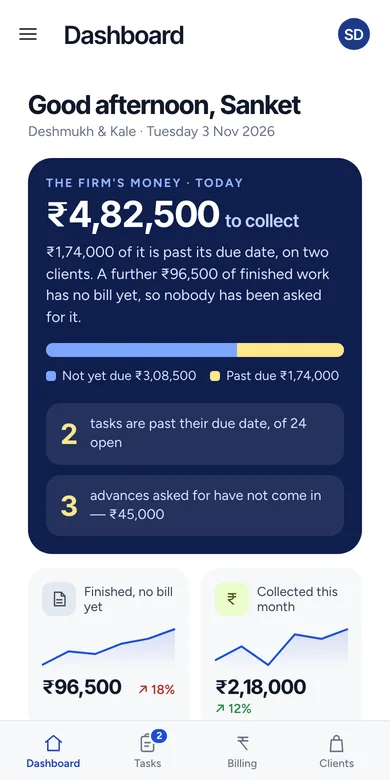
T4Suite runs in any browser at the office, can be installed as an app on a laptop, and has a native Android app. Everyone sees the same data, and a change one person makes appears for the rest without a refresh.
On the phone, the team gets what moves the day along: new assignments, approvals waiting, and deadline nudges as push notifications. A timer started on the phone and forgotten does not run into the night: it is closed at 12 hours. And when the firm limits documents to the office network, a phone that leaves the office still shows the work but no longer opens the client's papers.
One day in the sample firm
It is the second week of December and the annual GST returns are due at the end of the month. Here is how the office side of the day runs for the eight people in the sample firm.
- 9:30, the office manager
- Posts a pinned notice: the office stays open on Saturday until the 31st. Everyone sees it when they open the app, on a desk or a phone, and it stays at the top until she unpins it.
- 10:00, a partner
- Opens the team's workload. One associate reads 128 / 140 hr until the 31st; another reads 46 / 140 hr. He moves two returns from the first to the second before anyone is late, not after.
- 11:15, an associate
- Opens a client's folder at her desk and attaches the purchase register to the return she is working on, so the reviewer finds it on the task, not in an email.
- 14:00, the same associate at a client's office
- Checks her list and the day's deadlines on her phone. The client's papers do not open off the office network, which is what the partners chose.
- 17:30, the office manager again
- Adds a new article clerk. He joins with a role that sees his own tasks and no fees. Asked to make him a partner by mistake, the software refuses her: only a partner can do that.
Nothing in that day needed a spreadsheet, a group chat or a shared drive, and nobody could see more than their role allows.
Moving the office in
Nobody types the firm in again. Clients, staff and the service list import from Excel, each with a template to download. Every row is checked by the same rules as a typed entry, and the result says, row by row, what was created, what was skipped because it already existed, and what failed and why.
Then the office is priced by the people who sign in. Eight users on Starter is ₹792 a month plus GST, or ₹7,920 a year. Clients who log in to see their own papers are not users and are not charged. The free trial is 90 days for 2 users and 1 entity, and it starts with a call.
Read more: Pricing in full
Office management is the firm. For the work itself (engagements, deadlines, costing and billing), read T4Suite as practice management software.
Screens show T4Suite's current design, with sample data. Worked figures are for a sample firm.
Questions firms ask
What is office management software for a CA firm?
Software for running the firm itself rather than one client's job: the team and its workload, who may see fees and documents, notices to the office, client files, and the phones the team uses. T4Suite does this in the same app as the client work.
Does T4Suite track attendance?
Attendance, shifts, leave, biometric devices and payroll are in Svasamm People, which runs beside T4Suite on the same sign-in. T4Suite itself does not record attendance.
Can staff take client documents home?
Not if the firm limits documents to the office network. The server refuses a file asked for from outside the office's internet address, and exporting is a separate permission.
Can an office manager see salaries?
No. A person's CTC is seen and set only by a partner. A manager who plans work sees the hourly rate used for costing, not the salary.
Do clients who log in count as users?
No. Price is per user who signs in to run the firm. Client portal logins are not users.
See it on your own firm's work
A short walkthrough, mapped to your firm's entities and services.